 DrawPiko
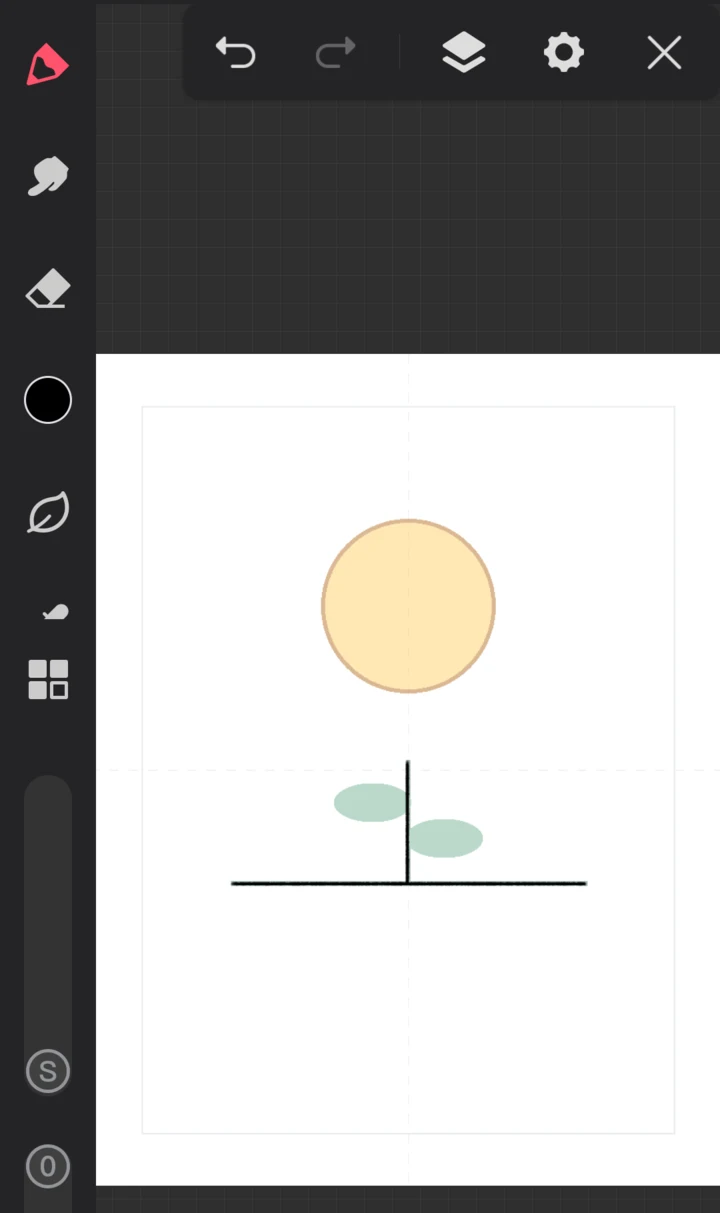
Practice the stem and baseline in DrawPiko’s flower sample. A separate ink layer lets you see exactly which marks you drew and try them again without changing the original artwork.
Get the layered practice sample1. Download and open the HSJ sample
On the sample page, choose Get template to download the HSJ. In DrawPiko for Android, open My artworks, tap the three-dot menu, choose Import, and select the downloaded file. On another device, follow the HSJ download and import guide.
2. Select the blank top layer
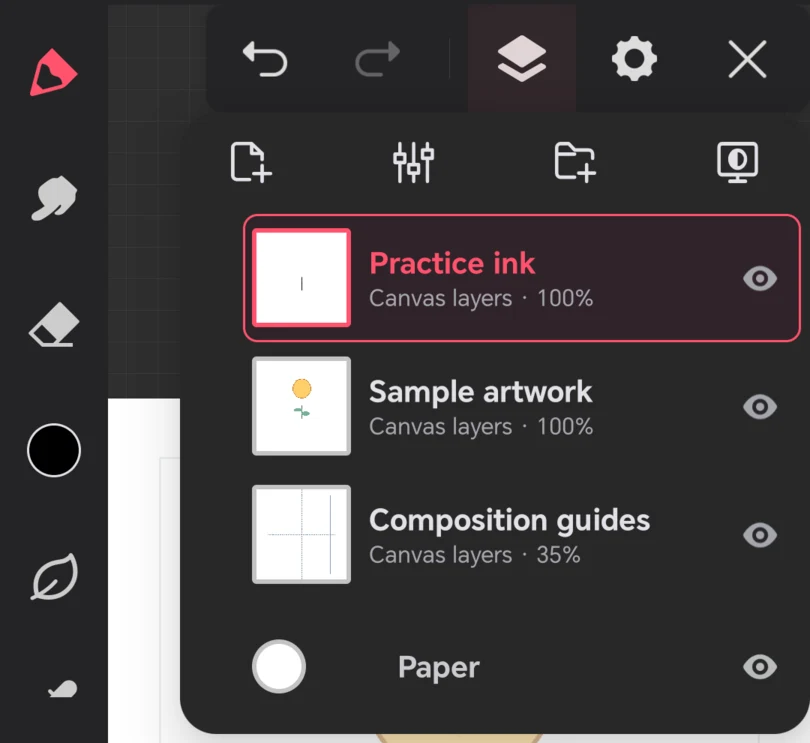
Tap the stacked-squares icon in the canvas toolbar to open Layers. Select the top layer with the blank thumbnail. The flower artwork and composition guides are on the two layers below it. To rename a layer, tap its selected row and then its name.
3. Trace the stem and baseline
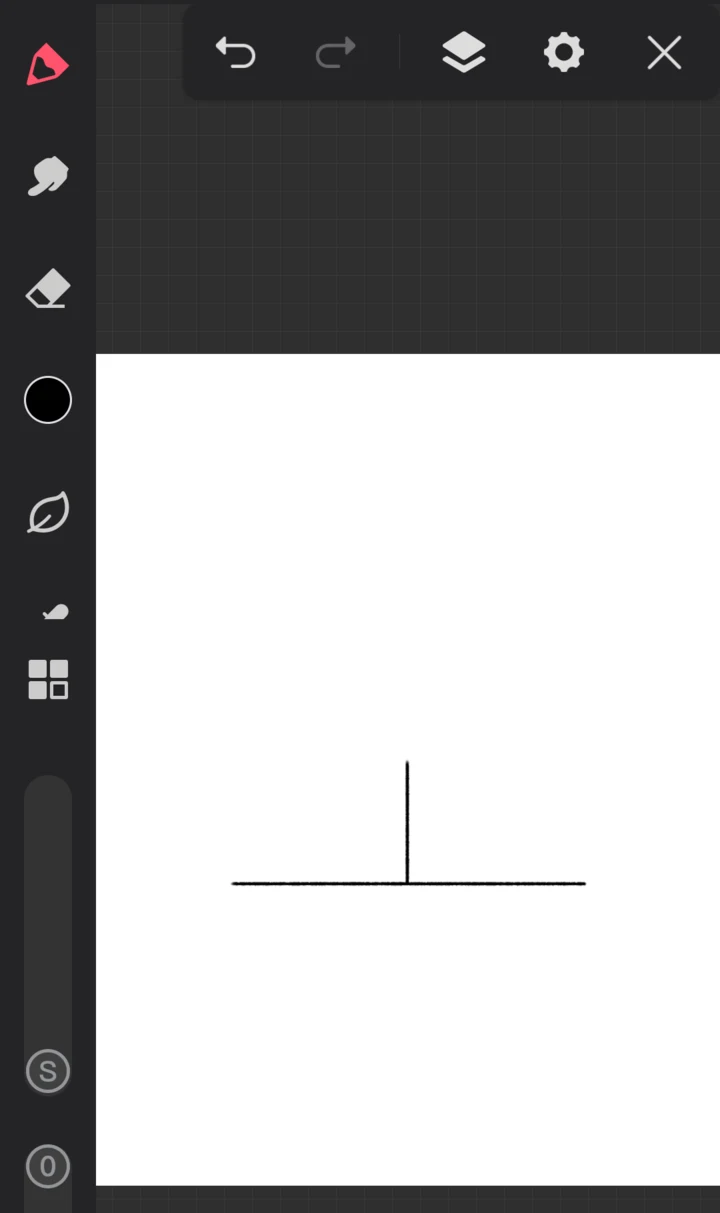
In Layers, tap the screen icon at the upper right to open Rendering. Choose Tracing, then Done. The other layers fade so you can see your strokes clearly. Pick Inking → Technical Pen in the brush library, choose black, and draw the vertical stem and horizontal baseline on the top layer.
4. Check your ink by itself
Open Rendering again and switch to Current layer only. Look at where the two strokes meet and whether their ends are even. Switch back to Tracing if you want to redraw a stroke, or choose Normal to see all visible layers together.