Wind forecast for drone flights: check gusts before you go
 Explore VentoDial on Google Play
Before leaving for a drone outing, take a closer look at the wind forecast for your destination. The average wind speed is useful, but hourly gusts and changes in direction add context to the hours you are considering.
1. Start with the place and the time
Open your destination in VentoDial, then compare the hourly forecast around your planned visit. Look for changes in wind speed and gusts rather than treating the current hour as a forecast for the whole day.
2. Read gusts alongside wind speed
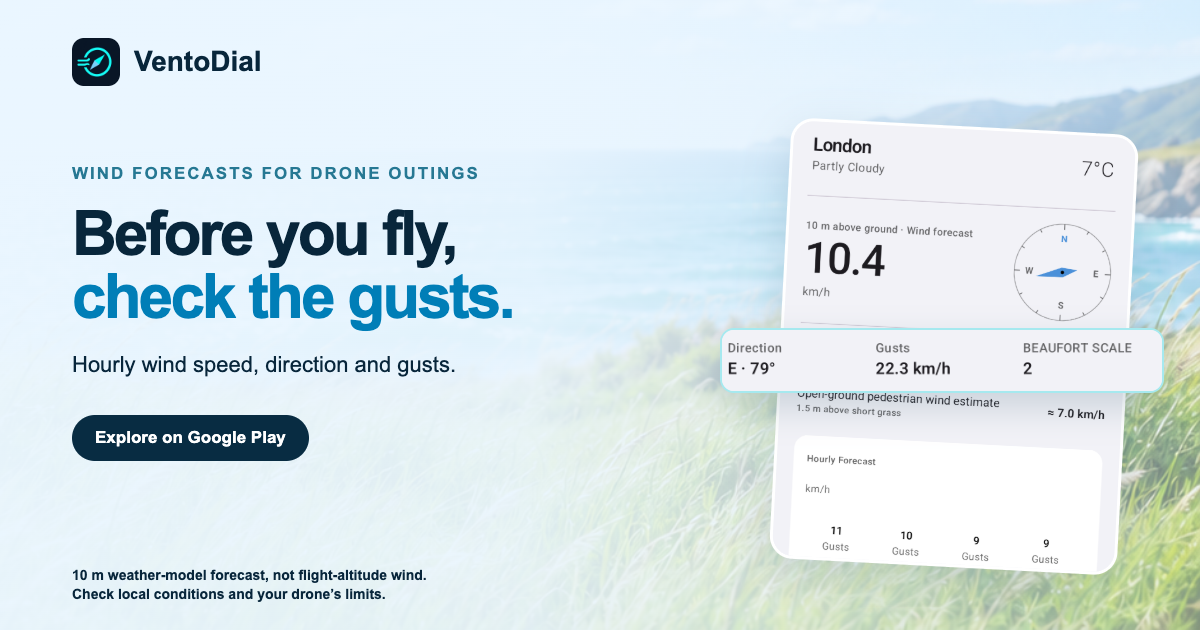
Gusts can be stronger than the average wind shown for an hour. VentoDial displays both, with a wind compass for the direction the wind is coming from. Compare those values with your drone manufacturer's limits and check conditions at the site.
3. Revisit the forecast before heading out
Save locations you use regularly. Set a personal wind-speed or gust threshold if you want to follow changes. Android schedules background checks and notification delivery, so an alert may arrive late. Open the forecast yourself before leaving.
What height does the forecast describe?
VentoDial's standard wind values come from Open-Meteo weather models at 10 metres above ground. They do not describe wind at your drone's flight altitude, and your phone does not measure wind speed.
The separate 1.5-metre estimate assumes open short grass. It is a reference for near-ground activities, not an estimate for the airspace where you will fly.
Explore VentoDial for Android
Compare hourly wind speed, direction and gusts, save your usual spots, and choose your own alert threshold. Use VentoDial alongside local observations, equipment limits and official warnings. It does not assess flight safety or provide airspace clearance.
View the Android appWeather data: Open-Meteo. App screenshots illustrate the interface, not current conditions at your location.