 DrawPiko
 PageRill
Scan paper documents to PDF
Turn paper documents and photos into multi-page PDFs. Crop, rotate, and clean up pages before saving or sharing.
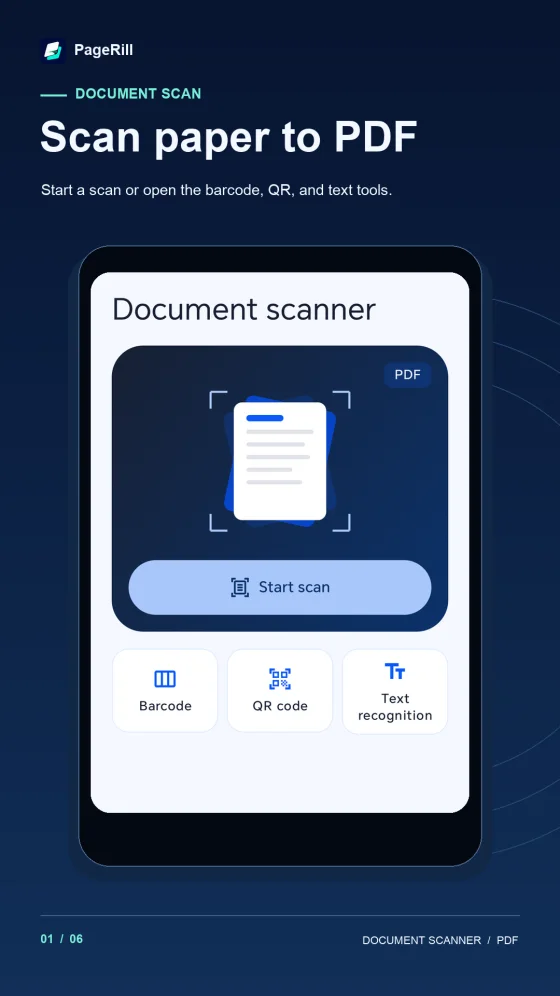
Capture or import
Scan paper with the camera or select photos to make a multi-page PDF.
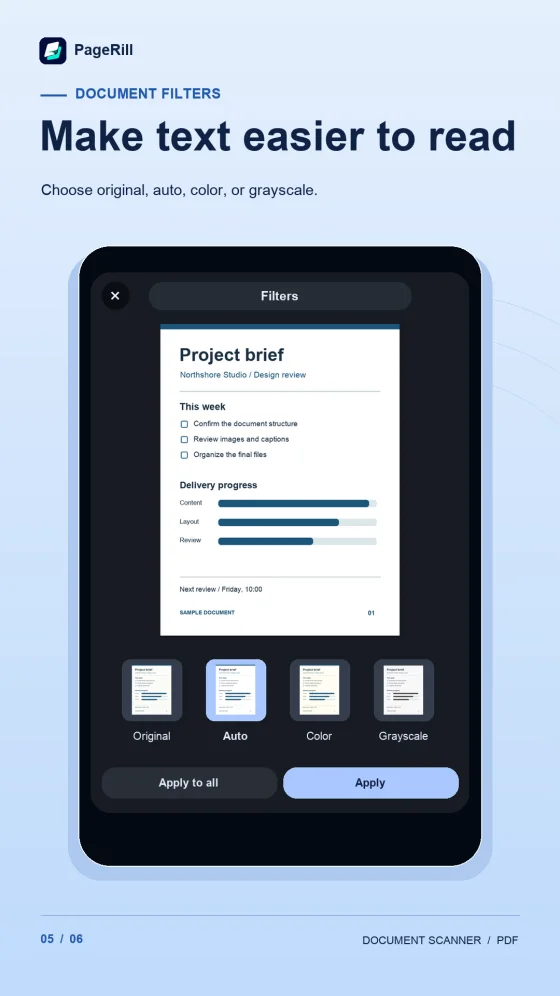
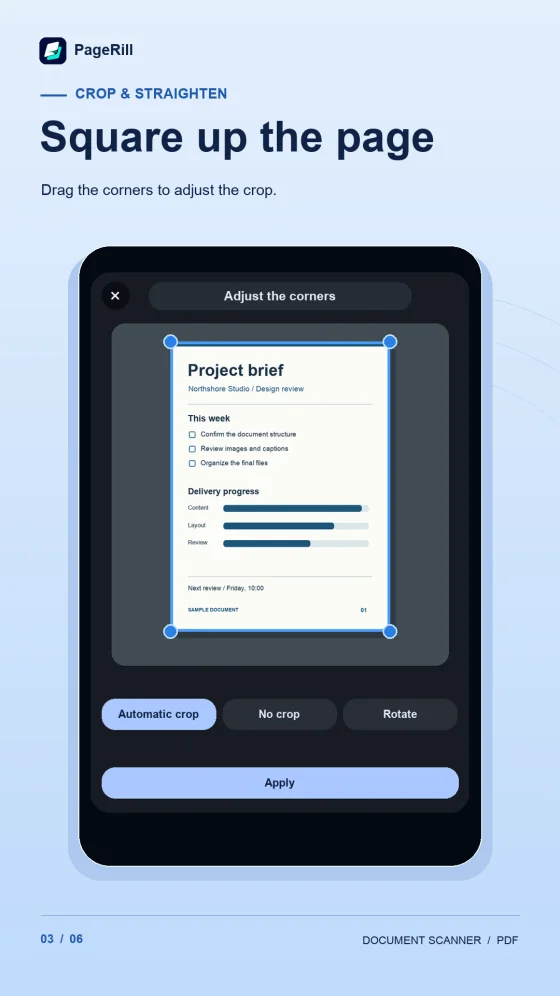
Crop, rotate and clean
Adjust page corners, apply filters, and erase unwanted marks before saving.
Organize and export
Reorder pages, add more scans to a saved PDF, and export or share the file.
App previews